Unlock Free Government iPhone: 2025 Rules & Steps
If you are here, you probably want to know whether that phone will be unlocked. In 2025, most Lifeline iPhones are locked at first, then become eligible for unlocking after a set period.
Here is a practical guide that explains the rules, what to expect from major providers, and the exact steps to unlock your device.
What You Need to Know
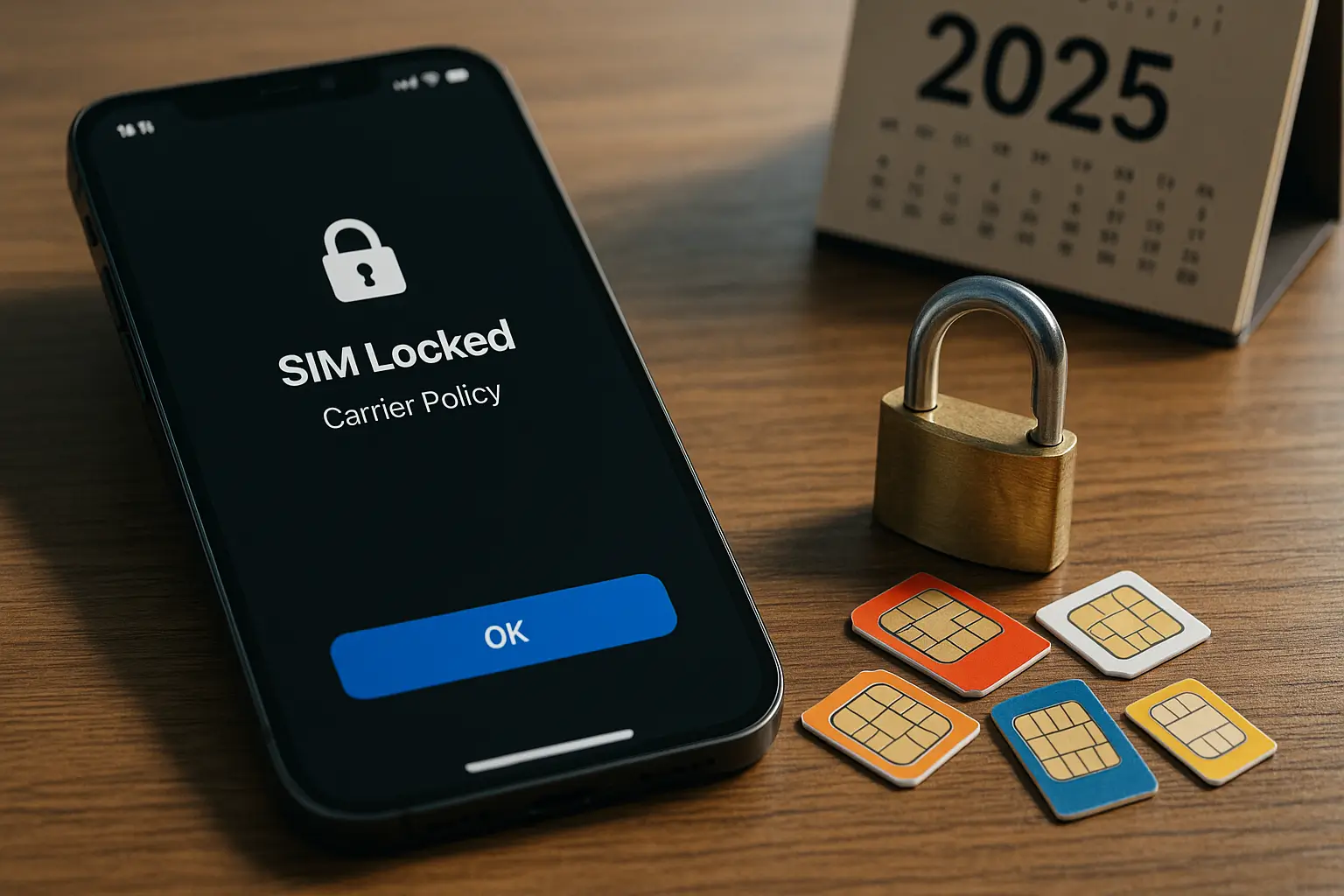
- Most Lifeline iPhones arrive locked.
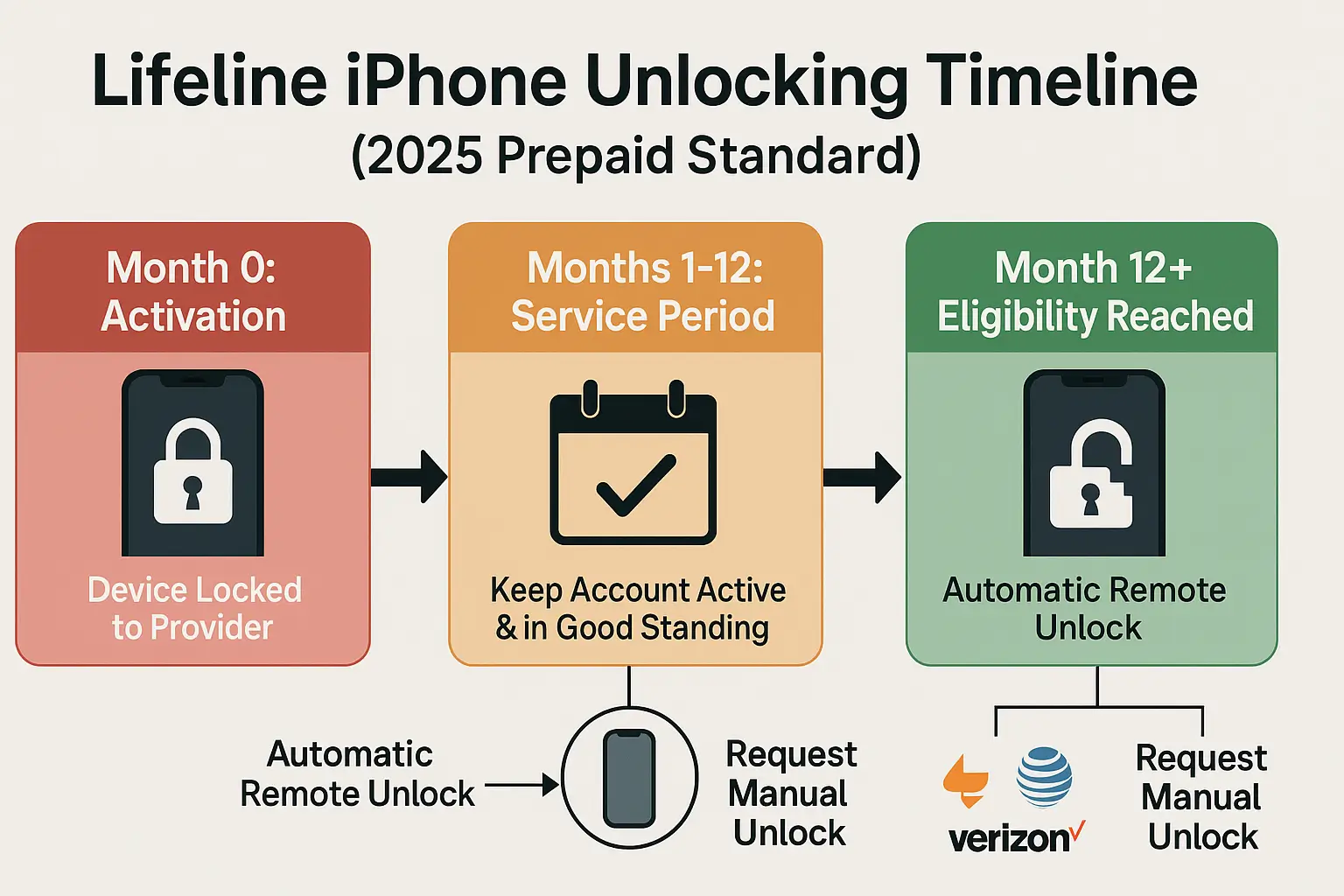
- Prepaid unlocking standard used by participating carriers allows unlocking no later than one year after activation, usually on request once you qualify.
- Some providers support automatic remote unlock once you are eligible. If it does not trigger, you can still contact support to complete it.
Why Lifeline Phones are Locked
Subsidy protection and program integrity. The device is subsidized to keep essential connectivity affordable, so providers lock it during an initial service window to discourage quick resale and fraud, or a lost or stolen phone replacement.
The FCC’s consumer guidance sets out that prepaid devices must be unlockable after the eligibility window, without extra fees, when conditions are met.
2025 Unlocking Rules
- Timeline for Prepaid Devices
Your Lifeline iPhone should be unlockable no later than 12 months after activation, assuming your account is in good standing and the device has been active as required. You usually need to request the unlock. - Cost
Unlocking is free once you qualify. Providers should not charge an eligible customer to unlock. - Automatic vs Requested Unlocks
Some brands, like Assurance Wireless, say they will automatically and remotely unlock eligible devices within about two business days. If automatic unlock does not occur, you can call and ask them to push it again. - Policy landscape
The FCC has proposed a uniform 60-day unlock requirement for all carriers. That proposal is not the nationwide norm for Lifeline today, so the one-year prepaid standard remains the common baseline many providers follow in practice. Keep an eye on policy pages for updates.
Provider Snapshots
Assurance Wireless
- States that when a device becomes eligible, it will automatically and remotely unlock it if the phone supports remote unlock. If it does not unlock, contact support and request it.
SafeLink Wireless, TracFone family
- SafeLink follows TracFone’s unlock policy. You can check eligibility and submit a request online through the TracFone unlock portal. Terms for unlock timing and any brand constraints are posted there.
Tip: If your provider is not listed above, ask for the unlock policy page on their site and save it for your records.
Advertisement
How to Unlock Your Lifeline iPhone
Step 1: Confirm your eligibility
- Check your activation date. If it has been about 12 months, you likely meet the prepaid unlocking timeline.
- Make sure your account is active and in good standing.
Step 2: Gather the details
- Find your IMEI. Dial *#06# or open Settings, General, About.
- Note your phone model and current software version.
Step 3: Contact your provider
- Say clearly, “I would like to request a network unlock for my iPhone.”
- For Assurance Wireless, ask them to push the remote unlock if you are eligible and it has not triggered. For SafeLink, use the TracFone unlock portal or call the unlock support line listed there.
Step 4: Complete the process
- When the unlock is approved, insert a different carrier’s SIM, then restart.
- Place a test call and try mobile data.
Step 5: Keep Proof
- Save the email or text confirming the unlock, useful if you switch later.
Practical Tips Before and After Unlocking
- Model compatibility
Older iPhones may lack some network bands used by certain carriers. If you plan to switch after unlocking, check band support for the networks in your area. - eSIM awareness
Many newer iPhones support eSIM. After unlocking, you can add a second line digitally, useful for travel or testing coverage. - Coverage comes first
An unlocked phone is great, but signal quality and plan terms will decide your day-to-day experience. Check a neighbor’s experience or a carrier’s coverage map before you jump.
FAQs
Are Lifeline iPhones unlocked in 2025?
Not at first. The common path is locked on delivery, then unlockable no later than one year after activation if you meet the conditions.
Do I have to pay to unlock?
No. If you are eligible under the policy, unlocking is free. FCC Guide
Will my iPhone unlock automatically?
Sometimes. Assurance Wireless says eligible devices are automatically and remotely unlocked. If it does not happen, request it through support. Other providers may require you to submit a request.
What if the FCC’s 60-day proposal becomes final?
Policies could shorten the wait. Until then, follow your provider’s current guidance and the one-year prepaid rule of thumb. FCC Proposal
Action Plan
- Apply locally for a Free Government iPhone Near Me through a Lifeline provider.
- Use the phone normally and keep the account in good standing.
- Set a reminder for your 12-month mark from activation.
- Request the unlock, or let your provider’s automatic unlock complete if they offer it.
- Test with another SIM, and keep the unlock confirmation for your records.
Conclusion
A Free Government iPhone Near Me will almost always arrive locked. That is normal for Lifeline and other prepaid setups. The important part is that in 2025, you can unlock it once you qualify, usually no later than one year after activation, without paying a fee. Some providers even unlock automatically.
After that, you have real flexibility to switch networks, travel with local SIMs, or reuse the phone where it suits you best.

Olivia is a trusted benefits specialist dedicated to helping households qualify for legitimate free government iPhone and connectivity programs. She reviews every update on our website to ensure the information is clear, compliant, and aligned with official FCC and USAC guidelines. Her work strengthens the credibility of our resources so users can apply with confidence.